

Questions on getting Xerte Toolkits installed on your server and questions about authentication and user logins.
Installation will not complete
- ronm
-

- Offline
- Administrator
-

Minder
Meer
8 jaren 11 maanden geleden #4786
door ronm
Xerte developer & trainer
e-learning & m-learning consultant
mitchellmedia.co.uk | xerteacademy.com | learningapps.co.uk
Note: Support here is voluntary and meant for users to support each other.
Need direct commercial support with Xerte? mitchellmedia.co.uk/contact/
Beantwoord door ronm in topic Installation will not complete
There are two ways to run setup with regards to the database e.g. create the empty database and database user first, then use those details during setup or during setup enter credentials with enough permissions to create the database. I usually create the empty database and user first and make sure that user account has full access to the database. Is that what you did?
Is this shared hosting or a vps/dedicated? Usually best to create the empty db, and user, ensure the user has full permissions on the db and then run setup so if you didn't do that yes it might be worth dropping and restarting.
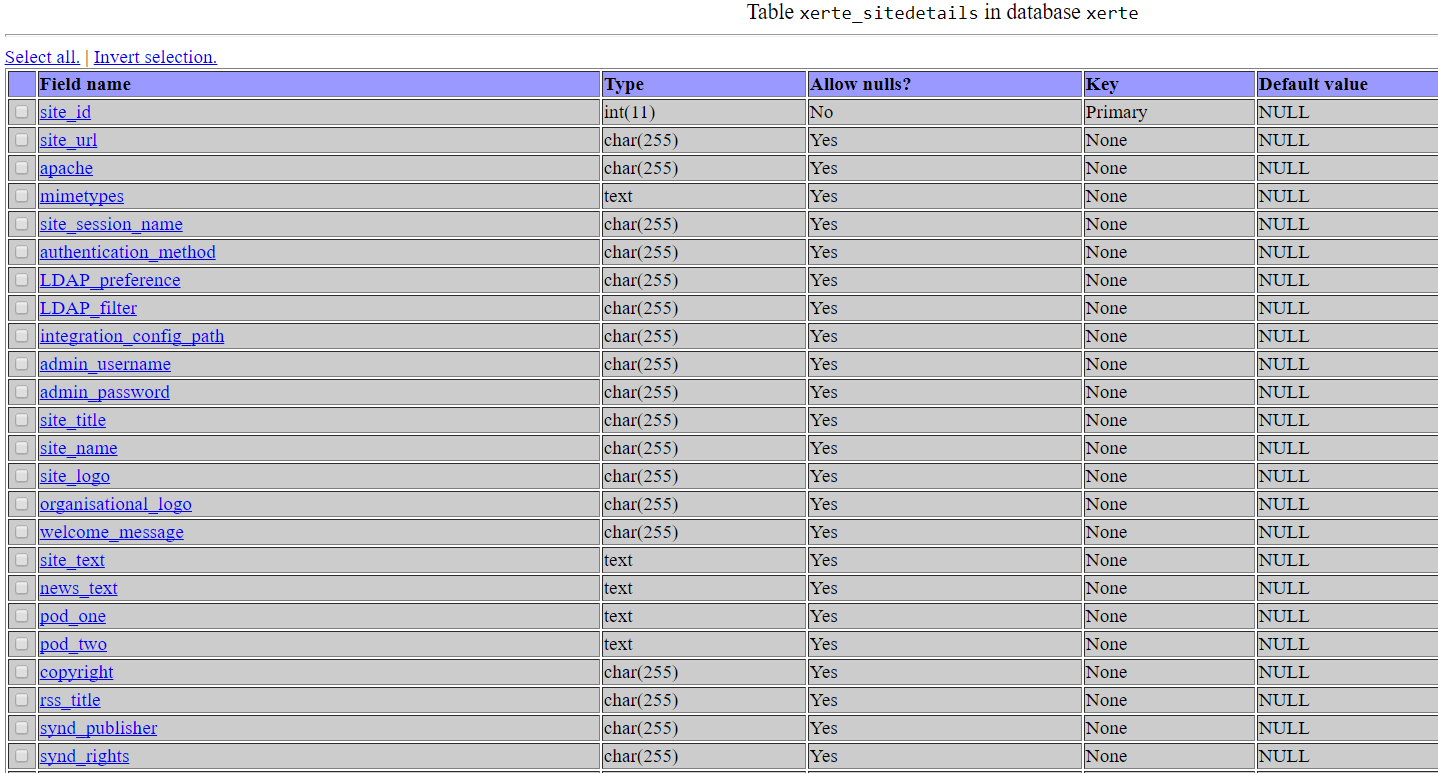
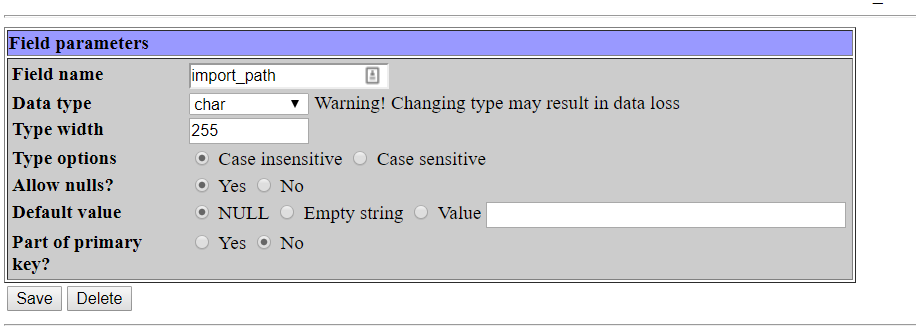
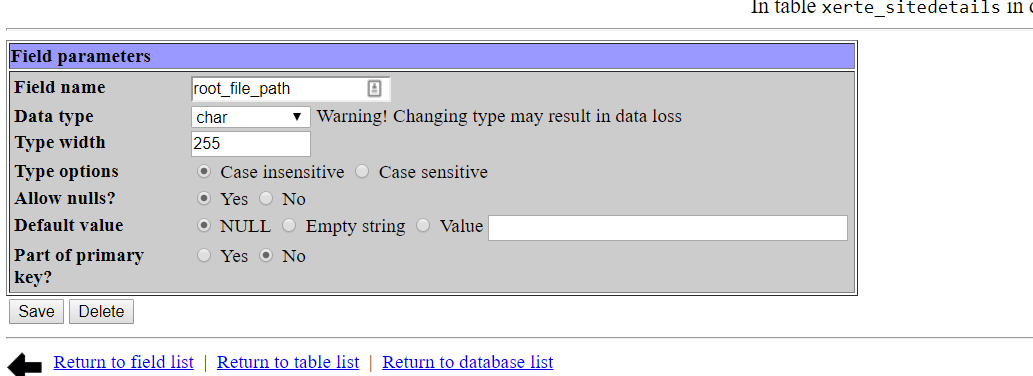
But are the site_url, root_file_path and import_path values in sitedetails correct? Try editing/correcting those if not.
site_url in your case should be 46.166.129.205/xerte/ and the paths should reflect the full path to your xerte directory.
HTH
Ron
Is this shared hosting or a vps/dedicated? Usually best to create the empty db, and user, ensure the user has full permissions on the db and then run setup so if you didn't do that yes it might be worth dropping and restarting.
But are the site_url, root_file_path and import_path values in sitedetails correct? Try editing/correcting those if not.
site_url in your case should be 46.166.129.205/xerte/ and the paths should reflect the full path to your xerte directory.
HTH
Ron
Xerte developer & trainer
e-learning & m-learning consultant
mitchellmedia.co.uk | xerteacademy.com | learningapps.co.uk
Note: Support here is voluntary and meant for users to support each other.
Need direct commercial support with Xerte? mitchellmedia.co.uk/contact/
De volgende gebruiker (s) zei dank u: amsterreynolds
Graag Inloggen of een account aanmaken deelnemen aan het gesprek.
- amsterreynolds
-
 Onderwerp Auteur
- Offline
- Nieuw lid
-

Minder
Meer
- Berichten: 6
- Ontvangen bedankjes 0
8 jaren 11 maanden geleden #4789
door amsterreynolds
Beantwoord door amsterreynolds in topic Installation will not complete
I created the db prior to installation, with full permissions, as well as the dbuser.
My environment resides on a dedicated vps.
Although the correct tables exist they do not seem to be populated with any values... I have attached some screen shots.
Thanks for your patience and help.
James
My environment resides on a dedicated vps.
Although the correct tables exist they do not seem to be populated with any values... I have attached some screen shots.
Thanks for your patience and help.
James
Graag Inloggen of een account aanmaken deelnemen aan het gesprek.
- ronm
-
- Offline
- Administrator
-
8 jaren 11 maanden geleden #4791
door ronm
Xerte developer & trainer
e-learning & m-learning consultant
mitchellmedia.co.uk | xerteacademy.com | learningapps.co.uk
Note: Support here is voluntary and meant for users to support each other.
Need direct commercial support with Xerte? mitchellmedia.co.uk/contact/
Beantwoord door ronm in topic Installation will not complete
Are you certain the user has correct permissions? Sounds like insert isn't working.
If it's a vps you have the mysql root credentials right?
Drop all the tables and delete database.php and restart xerte setup using the mysql root user credentials and check if that creates all the tables and populates them. Or even drop the database and allow setup to create that using the root credentials. If that then works check that Xerte works e.g. creating a project etc then you can then edit database.php and add the database user credentials that you were trying to use first making sure that user as full permissions.
HTH
Ron
If it's a vps you have the mysql root credentials right?
Drop all the tables and delete database.php and restart xerte setup using the mysql root user credentials and check if that creates all the tables and populates them. Or even drop the database and allow setup to create that using the root credentials. If that then works check that Xerte works e.g. creating a project etc then you can then edit database.php and add the database user credentials that you were trying to use first making sure that user as full permissions.
HTH
Ron
Xerte developer & trainer
e-learning & m-learning consultant
mitchellmedia.co.uk | xerteacademy.com | learningapps.co.uk
Note: Support here is voluntary and meant for users to support each other.
Need direct commercial support with Xerte? mitchellmedia.co.uk/contact/
De volgende gebruiker (s) zei dank u: amsterreynolds
Graag Inloggen of een account aanmaken deelnemen aan het gesprek.
- amsterreynolds
-
Onderwerp Auteur
- Offline
- Nieuw lid
-
Minder
Meer
- Berichten: 6
- Ontvangen bedankjes 0
8 jaren 11 maanden geleden #4792
door amsterreynolds
Beantwoord door amsterreynolds in topic Installation will not complete
As is often the case, a stupid mistake on my part. I had set the user permissions but not the database permissions!
Ran the installation again and everything working a treat. We are very excited about using this application.
Many thanks for time and help and your lightening-quick responses.
James
Ran the installation again and everything working a treat. We are very excited about using this application.
Many thanks for time and help and your lightening-quick responses.
James
Graag Inloggen of een account aanmaken deelnemen aan het gesprek.
Tijd voor maken pagina: 0.142 seconden