

- Berichten: 5
- Ontvangen bedankjes 0
Questions on getting Xerte Toolkits installed on your server and questions about authentication and user logins.
Installation of 3.5 on cpanel, edithtml hangs
- davidw
-
 Onderwerp Auteur
- Offline
- Nieuw lid
-

Minder
Meer
8 jaren 10 maanden geleden - 8 jaren 10 maanden geleden #4797
door davidw
Installation of 3.5 on cpanel, edithtml hangs werd gestart door davidw
I have reinstalled xerte. This time 3.5 under Unix cpanel.
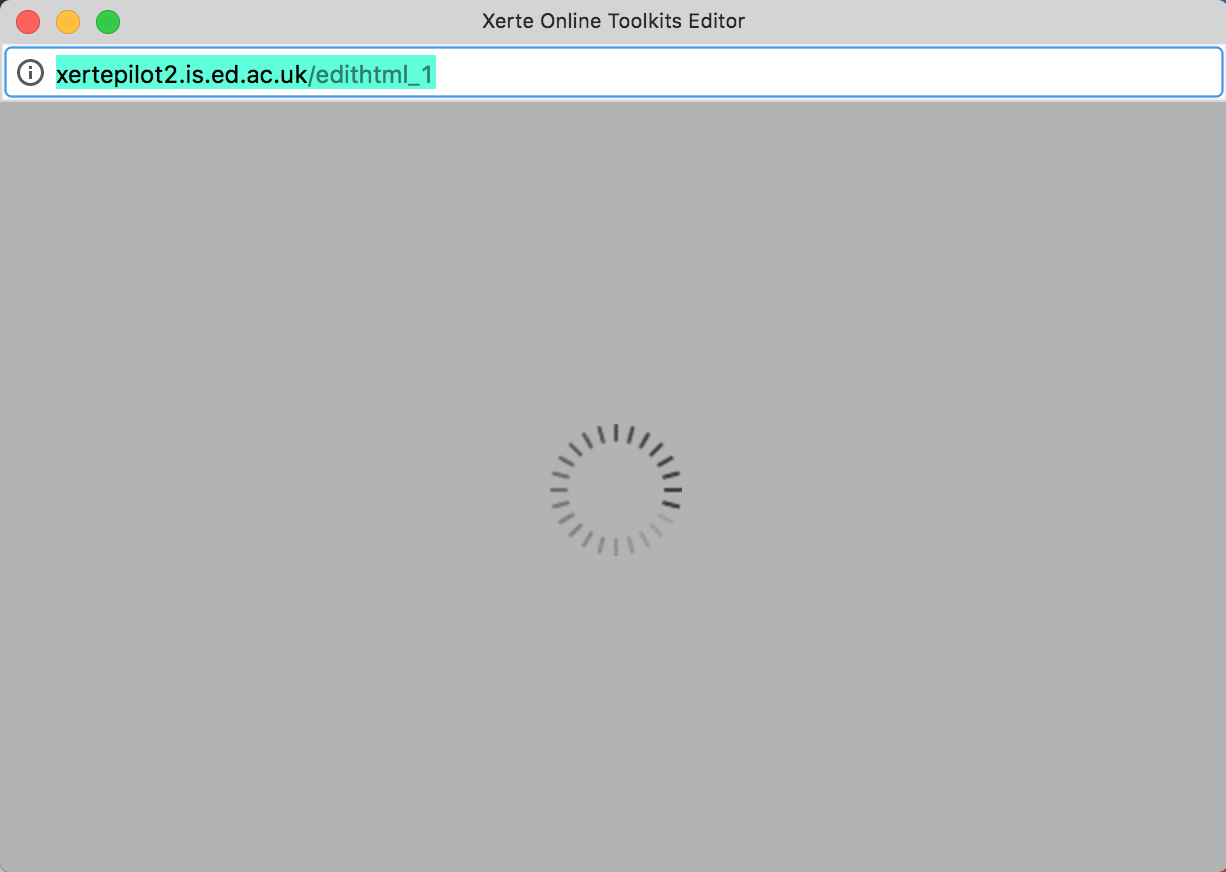
All seems OK, but when I click to edit an object the window pops up but hangs.
I know cpanel is not a mainstream platform for xerte, but it worked for version 3.4. What I need is some way to debug what the edithtml_1, or edithtml_2 is doing, so I can drill down into what is causing the problem. I suspect it's something to do with file-paths, as it was for 3.4 under unix-cpanel...
Do you have any tips as to how I can debug this? All I have is a blank window with a spinning (busy) icon in it.
Also when I create a new xerte learning object, the window pops up OK, and the frames show, but no content or controls show in the screen.
I need to find some way to see what the script is doing but donlt yet know how to set up a debugging environment.
Any help on debugging, or if you know what the problem is...
All seems OK, but when I click to edit an object the window pops up but hangs.
I know cpanel is not a mainstream platform for xerte, but it worked for version 3.4. What I need is some way to debug what the edithtml_1, or edithtml_2 is doing, so I can drill down into what is causing the problem. I suspect it's something to do with file-paths, as it was for 3.4 under unix-cpanel...
Do you have any tips as to how I can debug this? All I have is a blank window with a spinning (busy) icon in it.
Also when I create a new xerte learning object, the window pops up OK, and the frames show, but no content or controls show in the screen.
I need to find some way to see what the script is doing but donlt yet know how to set up a debugging environment.
Any help on debugging, or if you know what the problem is...
Laatst bewerkt 8 jaren 10 maanden geleden door davidw.
Graag Inloggen of een account aanmaken deelnemen aan het gesprek.
- davidw
-
Onderwerp Auteur
- Offline
- Nieuw lid
-
Minder
Meer
- Berichten: 5
- Ontvangen bedankjes 0
8 jaren 10 maanden geleden - 8 jaren 10 maanden geleden #4798
door davidw
Beantwoord door davidw in topic Installation of 3.5 on cpanel, edithtml hangs
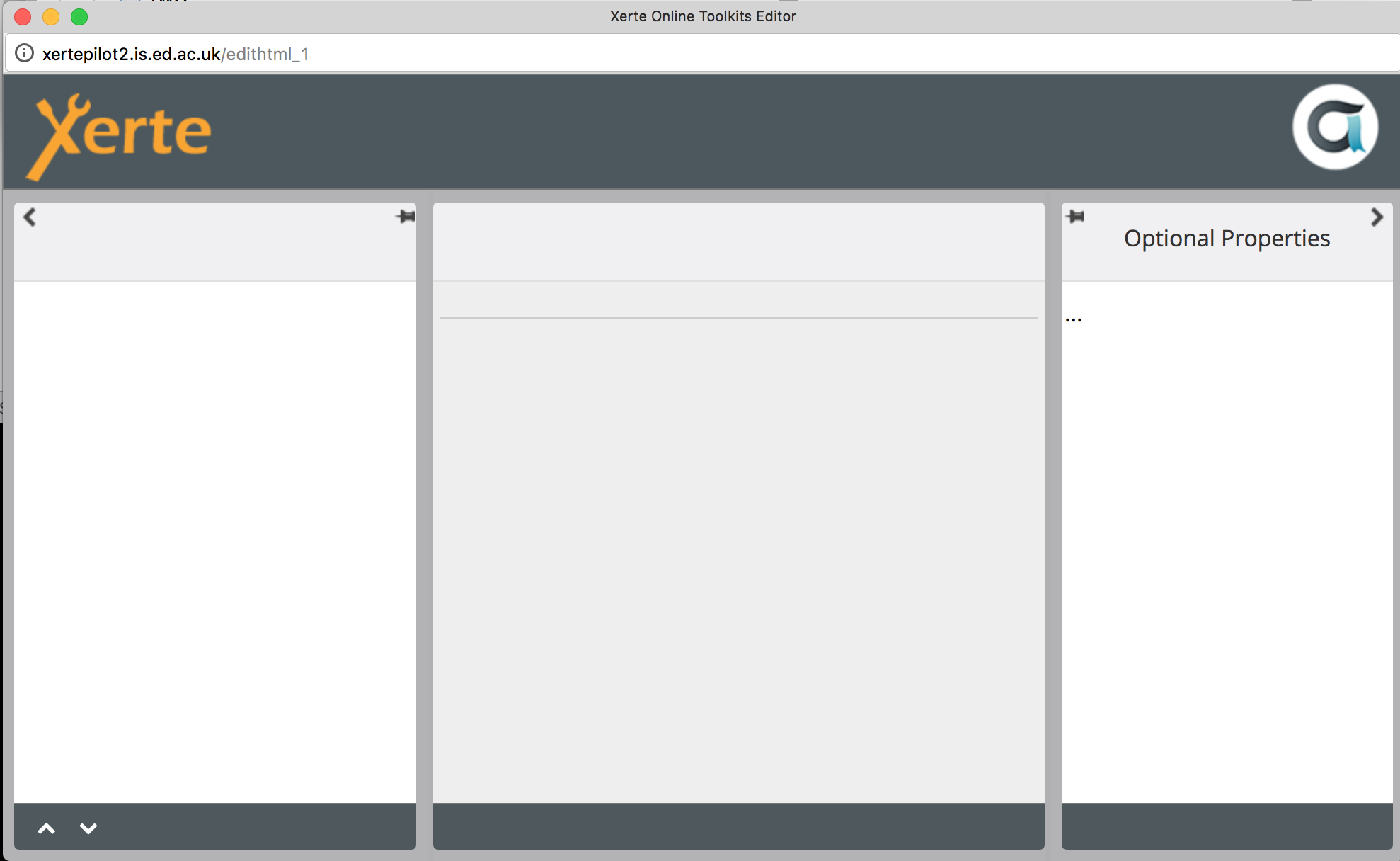
Strangely, now that I've enabled error logging in management.php, the edit window comes up, but empty, like in the illustration. Maybe this sheds more light on the config error I am seeing.
Laatst bewerkt 8 jaren 10 maanden geleden door davidw. Reden: spelling/typo in original
Graag Inloggen of een account aanmaken deelnemen aan het gesprek.
- tom
-

- Offline
- Administrator
-

Minder
Meer
- Berichten: 1365
- Ontvangen bedankjes 344
8 jaren 10 maanden geleden #4799
door tom
Beantwoord door tom in topic Installation of 3.5 on cpanel, edithtml hangs
This normally indicates a problem with permissions, specifically of the USER-FILES folder. This folder is normally owned by the user that runs apache.
Usually I set the owner (and group) of the whole installation to the user (and group) that runs apache.
edithtml_2 is a redirect (defined in the .htaccess file from:
edithtml.php?template_id=2
Usually I set the owner (and group) of the whole installation to the user (and group) that runs apache.
edithtml_2 is a redirect (defined in the .htaccess file from:
edithtml.php?template_id=2
De volgende gebruiker (s) zei dank u: davidw
Graag Inloggen of een account aanmaken deelnemen aan het gesprek.
- davidw
-
Onderwerp Auteur
- Offline
- Nieuw lid
-
Minder
Meer
- Berichten: 5
- Ontvangen bedankjes 0
8 jaren 10 maanden geleden #4800
door davidw
Beantwoord door davidw in topic Installation of 3.5 on cpanel, edithtml hangs
Thanks Tom, (and your forum colleagues)
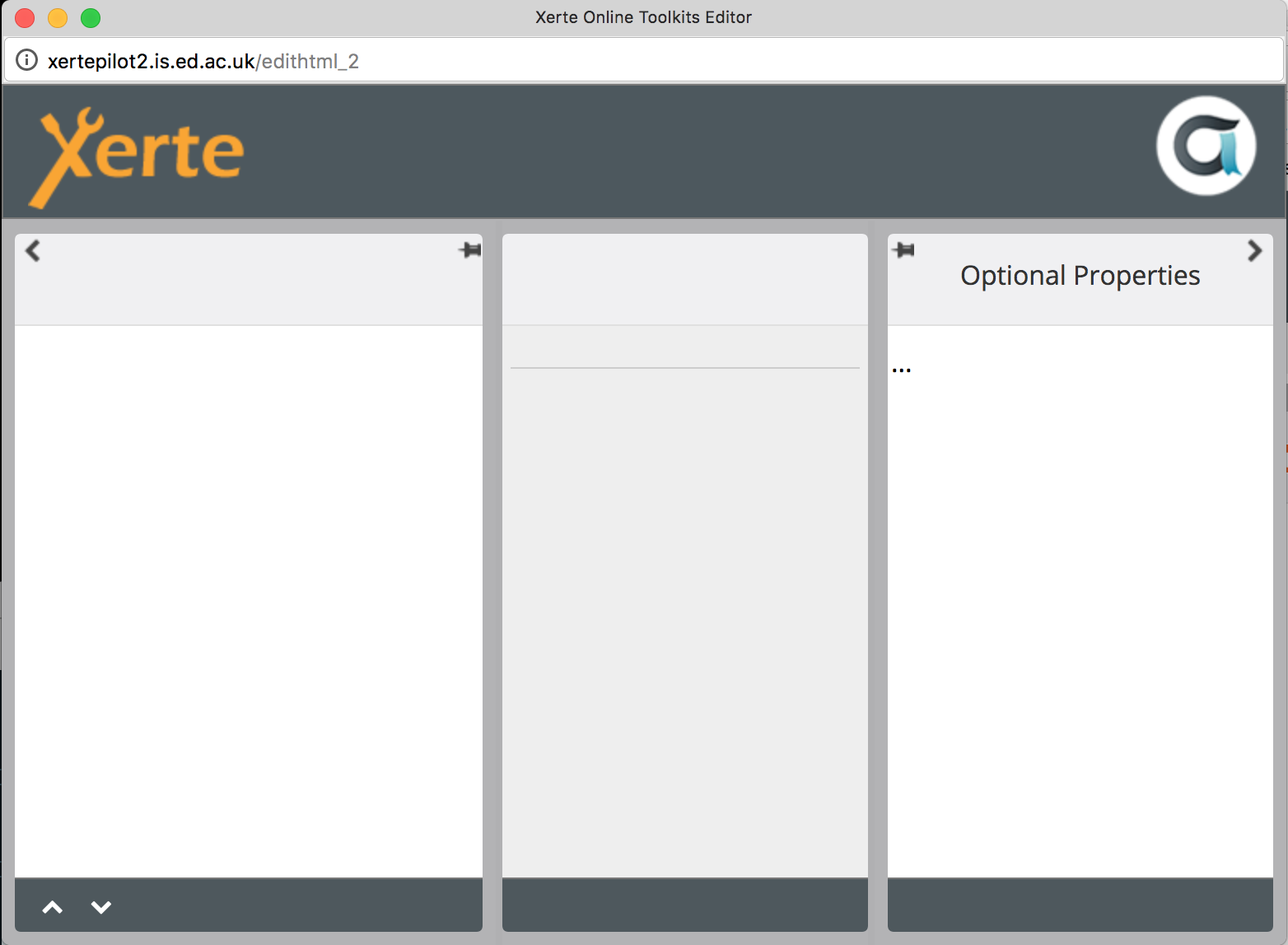
Unfortunately changing access permissions in USER-FILES did not fix it. The folder perms were set to 755. I Changed to 777, and still get an unpopulated edit window. See attached.
I tried opening up perms on all folders in public_html (in the interests of debugging) but this did not fix it yet either.
Unfortunately changing access permissions in USER-FILES did not fix it. The folder perms were set to 755. I Changed to 777, and still get an unpopulated edit window. See attached.
I tried opening up perms on all folders in public_html (in the interests of debugging) but this did not fix it yet either.
Graag Inloggen of een account aanmaken deelnemen aan het gesprek.
- ronm
-

- Offline
- Administrator
-
8 jaren 10 maanden geleden #4801
door ronm
Xerte developer & trainer
e-learning & m-learning consultant
mitchellmedia.co.uk | xerteacademy.com | learningapps.co.uk
Note: Support here is voluntary and meant for users to support each other.
Need direct commercial support with Xerte? mitchellmedia.co.uk/contact/
Beantwoord door ronm in topic Installation of 3.5 on cpanel, edithtml hangs
If you try creating a project when the permissions are incorrect then the required files are not created in the project folder.
If you then change the permissions so that they are correct that isn't going to fix the previous project because the required files are created during the project creation process so trying to edit one of those earlier projects is never going to work.
Delete the broken projects presumably ID 1 and ID 2 and create a new project and try editing that.
HTH
Ron
If you then change the permissions so that they are correct that isn't going to fix the previous project because the required files are created during the project creation process so trying to edit one of those earlier projects is never going to work.
Delete the broken projects presumably ID 1 and ID 2 and create a new project and try editing that.
HTH
Ron
Xerte developer & trainer
e-learning & m-learning consultant
mitchellmedia.co.uk | xerteacademy.com | learningapps.co.uk
Note: Support here is voluntary and meant for users to support each other.
Need direct commercial support with Xerte? mitchellmedia.co.uk/contact/
Graag Inloggen of een account aanmaken deelnemen aan het gesprek.
Tijd voor maken pagina: 0.141 seconden