

- Posts: 3
- Thank you received: 0
Report any technical problems you discover and discuss solutions.
Problem using xerte on XAMPP for MAC user
- rdg
-
 Topic Author
- Offline
- New Member
-

Less
More
6 years 4 months ago #6616
by rdg
Problem using xerte on XAMPP for MAC user was created by rdg
Hello!
I've installed the last version of xampp and download the last version of xerte. I can access to my localhost/xertetoolkits_3.8/
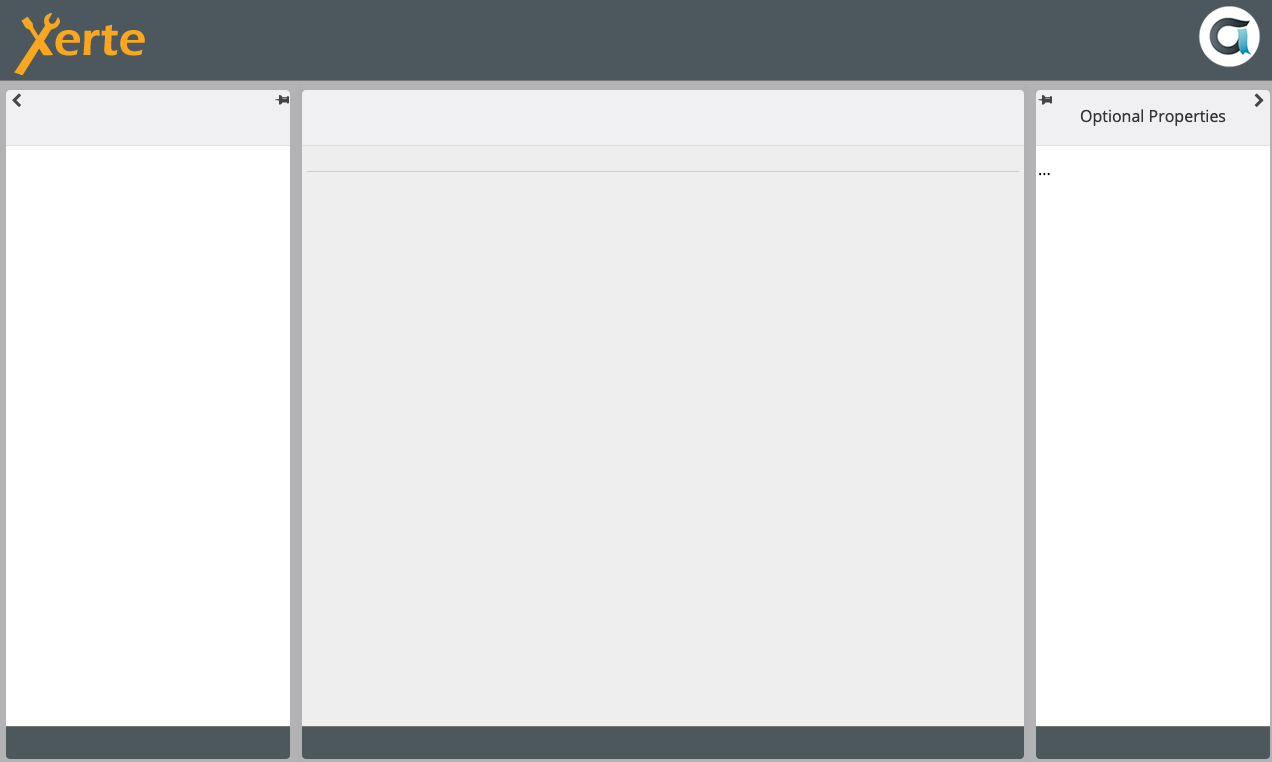
but when I try to edit a project, a new windows appears and nothing happens (I attach a screenshot)
What's going on?
Thank you in advance!
I've installed the last version of xampp and download the last version of xerte. I can access to my localhost/xertetoolkits_3.8/
but when I try to edit a project, a new windows appears and nothing happens (I attach a screenshot)
What's going on?
Thank you in advance!
Please Log in or Create an account to join the conversation.
- ronm
-

- Offline
- Administrator
-

6 years 4 months ago #6617
by ronm
Xerte developer & trainer
e-learning & m-learning consultant
mitchellmedia.co.uk | xerteacademy.com | learningapps.co.uk
Note: Support here is voluntary and meant for users to support each other.
Need direct commercial support with Xerte? mitchellmedia.co.uk/contact/
Replied by ronm on topic Problem using xerte on XAMPP for MAC user
Hi
from memory with XAMP on Mac you have to explicitly enable write permission where you need them and not just Xerte any application. Try a general search for making directories writeable on xampp for Mac.
HTH
Ron
from memory with XAMP on Mac you have to explicitly enable write permission where you need them and not just Xerte any application. Try a general search for making directories writeable on xampp for Mac.
HTH
Ron
Xerte developer & trainer
e-learning & m-learning consultant
mitchellmedia.co.uk | xerteacademy.com | learningapps.co.uk
Note: Support here is voluntary and meant for users to support each other.
Need direct commercial support with Xerte? mitchellmedia.co.uk/contact/
The following user(s) said Thank You: rdg
Please Log in or Create an account to join the conversation.
- rdg
-
Topic Author
- Offline
- New Member
-
Less
More
- Posts: 3
- Thank you received: 0
6 years 4 months ago #6618
by rdg
Replied by rdg on topic Problem using xerte on XAMPP for MAC user
Thank you Ronm,
I've change the permission to "read & write" for all the xampp folder but I'm still having the same problem
Any other options?
I've change the permission to "read & write" for all the xampp folder but I'm still having the same problem
Any other options?
Please Log in or Create an account to join the conversation.
- tom
-

- Offline
- Administrator
-
Less
More
- Posts: 1365
- Thank you received: 344
6 years 4 months ago #6620
by tom
Replied by tom on topic Problem using xerte on XAMPP for MAC user
Could you please check the php error log and/or appache2 error log.
You are probably missing a php extension (like xml).
You are probably missing a php extension (like xml).
The following user(s) said Thank You: rdg
Please Log in or Create an account to join the conversation.
- rdg
-
Topic Author
- Offline
- New Member
-
Less
More
- Posts: 3
- Thank you received: 0
6 years 4 months ago #6622
by rdg
Replied by rdg on topic Problem using xerte on XAMPP for MAC user
Thank you for your feedback Tom!
I decided to re-install XAMPP but not the VM version that I already had, but this one 7.4.6, and now its works
I decided to re-install XAMPP but not the VM version that I already had, but this one 7.4.6, and now its works
Please Log in or Create an account to join the conversation.
Moderators: ronm, julten, JohnSmith
Time to create page: 0.148 seconds