

- Posts: 8
- Thank you received: 1
Questions on getting Xerte Toolkits installed on your server and questions about authentication and user logins.
Object not found!
- Brunswick1
-
 Topic Author
- Offline
- New Member
-

Less
More
10 years 8 months ago - 10 years 8 months ago #3530
by Brunswick1
Replied by Brunswick1 on topic Object is still not found oh my!
hi Tom/ John/ Ron
It turned out to be that I needed to add /index.php to the
localhost/toolkits line - I'm finally on !!!( and it's wonderful)
Thanks for yr support
Helen
It turned out to be that I needed to add /index.php to the
localhost/toolkits line - I'm finally on !!!( and it's wonderful)
Thanks for yr support
Helen
Last edit: 10 years 8 months ago by Brunswick1. Reason: names
Please Log in or Create an account to join the conversation.
- claire.saunders@solent.ac.uk
-

- Offline
- Junior Member
-

Less
More
- Posts: 25
- Thank you received: 0
10 years 2 months ago #3945
by claire.saunders@solent.ac.uk
Replied by claire.saunders@solent.ac.uk on topic Object not found!
Hi Tom,
I am having the same problem - probably don;t know what I am doing! I have added the extension to the url Helen found worked for her, but still no joy. Can you help?
Claire
I am having the same problem - probably don;t know what I am doing! I have added the extension to the url Helen found worked for her, but still no joy. Can you help?
Claire
Please Log in or Create an account to join the conversation.
- tom
-

- Offline
- Administrator
-

Less
More
- Posts: 1365
- Thank you received: 344
10 years 2 months ago #3946
by tom
Replied by tom on topic Object not found!
I can try...
1. You downloaded the zip (might do that again, because I just finished publishing 3.3!)
2. You installed xampp on your computer
3. You created a folder called toolkits in the htdocs folder of xampp
4. You unzipped xerte in that folder
5. You satrted apache and mysql from the xampp console (or at least verified they were running)
6. You started a browser and entered localhost/toolkits
Let me know if you did all that, or need more help with one of the steps. Are you an a Windows PC or a Mac?
1. You downloaded the zip (might do that again, because I just finished publishing 3.3!)
2. You installed xampp on your computer
3. You created a folder called toolkits in the htdocs folder of xampp
4. You unzipped xerte in that folder
5. You satrted apache and mysql from the xampp console (or at least verified they were running)
6. You started a browser and entered localhost/toolkits
Let me know if you did all that, or need more help with one of the steps. Are you an a Windows PC or a Mac?
Please Log in or Create an account to join the conversation.
- claire.saunders@solent.ac.uk
-
- Offline
- Junior Member
-
Less
More
- Posts: 25
- Thank you received: 0
10 years 2 months ago #3947
by claire.saunders@solent.ac.uk
Replied by claire.saunders@solent.ac.uk on topic Object not found!
Thanks!
I am on a Mac.
I have definitely completed steps 1-4.
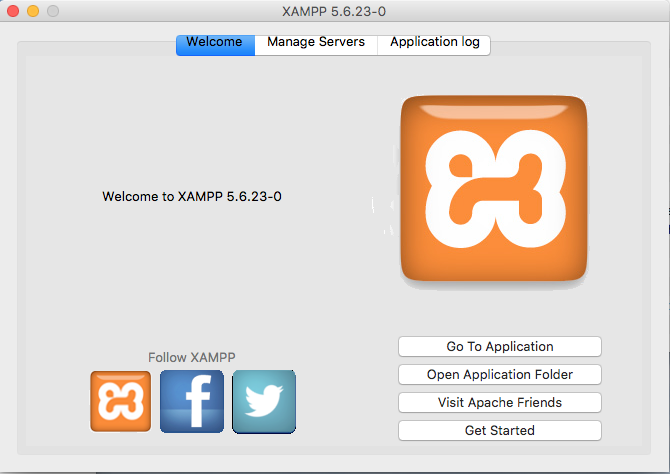
Then I open XAMPP and I get the first attached screenshot.
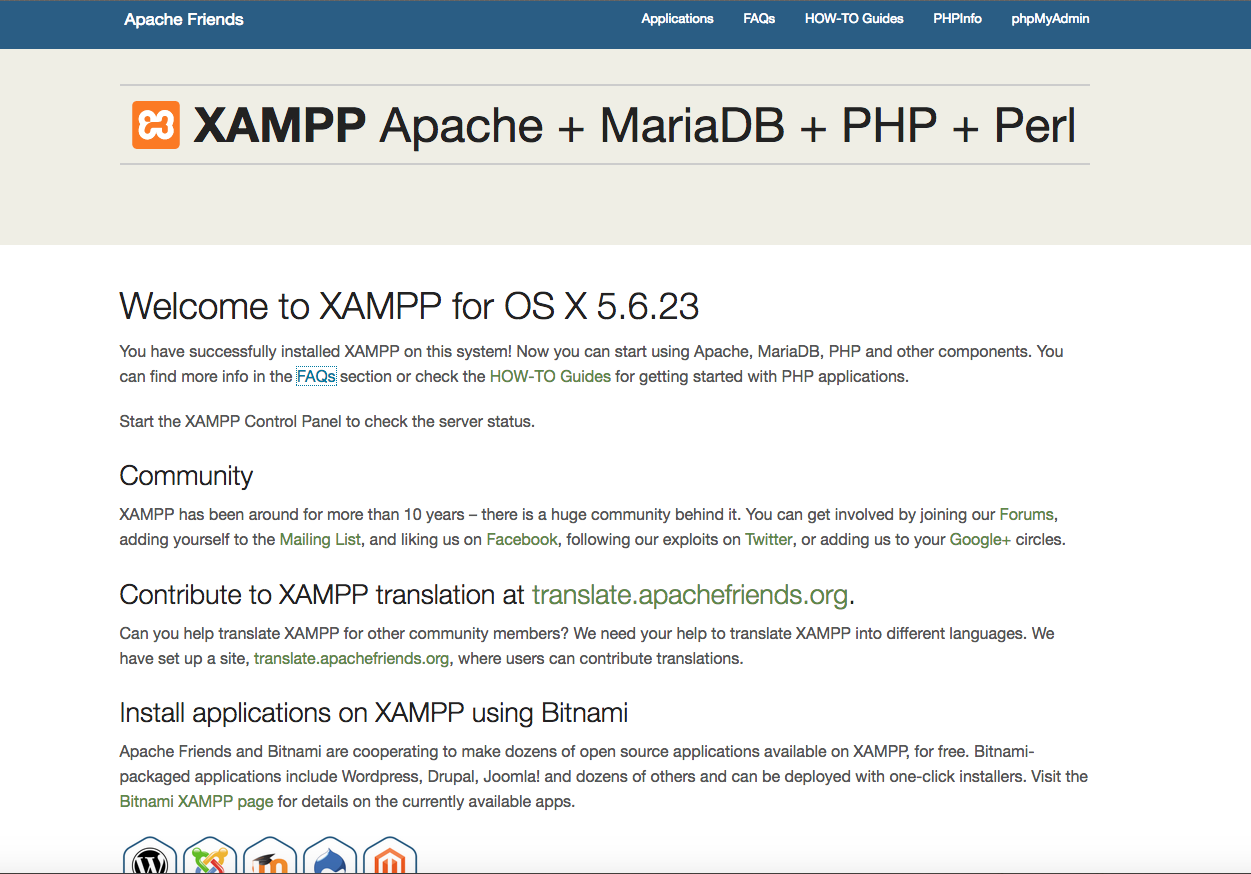
I click on 'Go to application' and I get the second screenshot.
That's as far as I can get. I then try entering the local host url and get 'Object not found'.
Help!
I am on a Mac.
I have definitely completed steps 1-4.
Then I open XAMPP and I get the first attached screenshot.
I click on 'Go to application' and I get the second screenshot.
That's as far as I can get. I then try entering the local host url and get 'Object not found'.
Help!
Please Log in or Create an account to join the conversation.
- tom
-
- Offline
- Administrator
-
Less
More
- Posts: 1365
- Thank you received: 344
10 years 2 months ago #3948
by tom
Replied by tom on topic Object not found!
In which program is the second screenshot displayed? A browser?
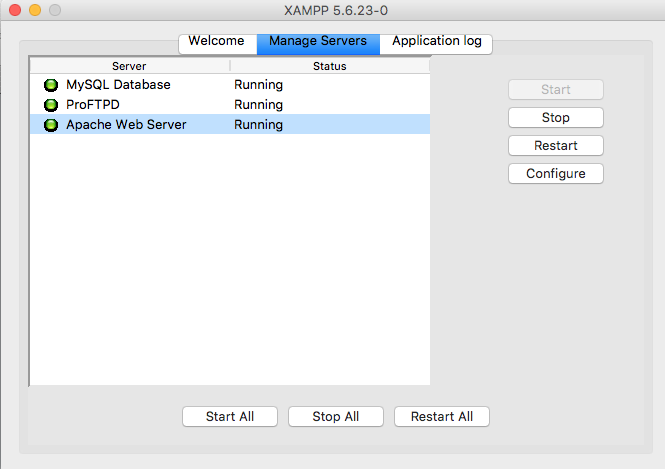
In the first screenshot, you see a tab, manage servers. Go to that, and verify that apache and mysql (or mariadb) are running.
In the first screenshot, you see a tab, manage servers. Go to that, and verify that apache and mysql (or mariadb) are running.
Please Log in or Create an account to join the conversation.
- claire.saunders@solent.ac.uk
-
- Offline
- Junior Member
-
Less
More
- Posts: 25
- Thank you received: 0
10 years 2 months ago #3949
by claire.saunders@solent.ac.uk
Replied by claire.saunders@solent.ac.uk on topic Object not found!
Yes, in Chrome.
I think all the relevant things are running - see attached.
I think all the relevant things are running - see attached.
Please Log in or Create an account to join the conversation.
Time to create page: 0.166 seconds